AI Clip Maker

      First Frame
      References
      0/5000
      5s
      5s15s

      Examples of AI-generated clips

      Every clip here was generated. None of it was cut from existing footage.

      From a prompt to a clip.

      One shot, one format, one take.

      1. 01

        Describe the shot.

        Name the subject, the action, and the camera move. One clip works best with one clear idea.

      2. 02

        Choose the settings.

        Pick a model, clip length, resolution, and an aspect ratio the model supports.

      3. 03

        Guide it with an image.

        Add a first frame to lock the opening composition, or a reference image with a supported model.

      4. 04

        Generate and keep the take.

        The clip appears in Media. Download it, or change the prompt and generate another version.

      AI clip maker features

      This is a generative clip maker. You describe new footage; you do not slice a long video into pieces.

      How to write a clip prompt

      A clip is easier to control when the prompt describes one moment. Add another prompt for the next shot.

      ProductA quick rack-focus shot of a sneaker on a reflective surface.
      MotionA paper plane glides over a city rooftop at golden hour, tracking shot.
      StoryA hand pushes open a door as warm light spills across a desk.
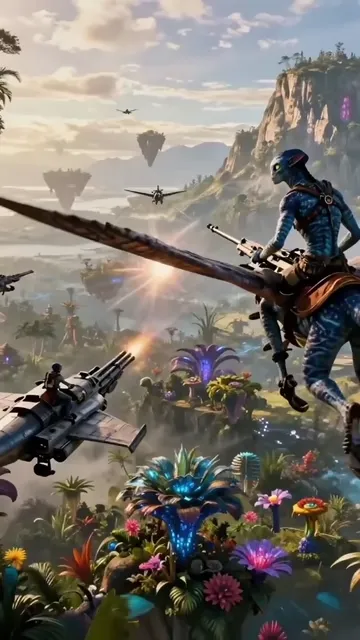
      A sample frame from AI Clip Maker

      Clip length and aspect ratio

      Choose the clip length, resolution, and an aspect ratio from the model's list. Some models cover more frames than others.

      Keeping the subject consistent

      Use a first frame or a reference image so the model has a visual anchor. References guide the result but do not lock every detail.

      Where a clip maker fits.

      Single clips work as building blocks: B-roll, inserts, and product moments.

      B-roll and fillers
      Generate the small shots that hold an edit together.
      Product moments
      Create a close-up, a turn, or a reveal without a studio.
      Transitions and inserts
      Build a specific transition or detail shot you could not film.
      Concept clips
      Test a look or a motion before committing to a full production.