How to write a product video prompt
Describe the product, the camera, and the light in one go. Small changes to the prompt produce very different takes.
Six films, six briefs, all generated from a still.
Add the image, name the movement, and let the model build the shot.
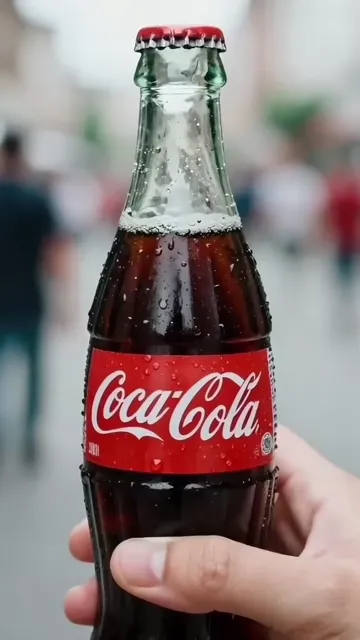
Drop a clear product photo into the first frame slot, or add it as a reference image with a model that supports references.
Say how the camera moves, where the product sits, and how the light should feel. Keep the product description specific.
Pick a model, clip length, and resolution, then choose an aspect ratio from the options that model supports.
When the clip is ready, it appears in Media. Download the take you like, or adjust the prompt and generate another.
One image and a clear description are enough to start. References and format choices matter when the clip has to fit a placement.
Describe the product, the camera, and the light in one go. Small changes to the prompt produce very different takes.

Vertical for a social feed, square for a store grid, landscape for a product page. The model you choose decides which frames are available.
Use the product photo as the first frame or as a reference. A clear, well-lit image with one product in frame gives the model the best chance of holding its shape and details.
Clips land in Media with their own sound. Download a take, or keep working on images, motion, and music in the same workspace.
Store listings, launch posts, and early concept tests all use the same composer.