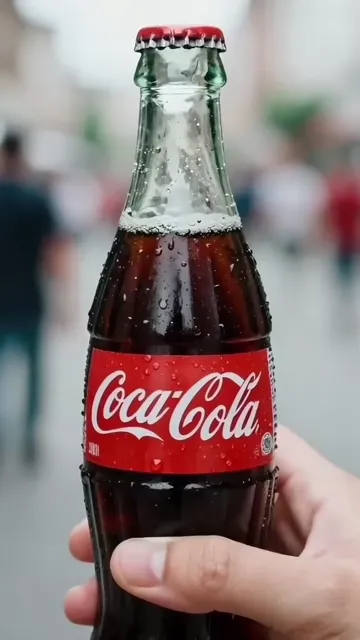
How to write a video ad prompt
Describe the hook, the product, and the cut. A specific opening frame gives the model a clear job.
One ad concept in five other looks, generated from the same prompt field.
Write the hook, choose the frame, then generate a take you can cut into the campaign.
Name the product, the moment, and the hook. A clear first second is easier to generate than a full campaign script.
Use a product photo as the first frame or as a reference with a supported model, so the creative stays grounded in the real product.
Choose a model and the aspect ratio that fits the placement, then set the clip length and resolution.
Review the take in Media, adjust the hook or pacing, and generate another version. Each generation uses credits.
Veeo makes the creative. The media plan, the targeting, and where it runs stay with you.
Describe the hook, the product, and the cut. A specific opening frame gives the model a clear job.

Vertical for feeds and stories, square for grids, landscape for wider placements. Available frames depend on the model.
Attach the product image so the model has a real reference for shape, color, and detail. Reference support depends on the model.
Download the creative from Media, or keep building with image edits, motion transfer, and music before you export.
Paid social, product launches, and concept tests.