AI Video Generator for YouTube

      First Frame
      References
      0/5000
      5s
      5s15s

      Examples of YouTube video clips

      Intros, explainers, story beats. Each one from a prompt or a still.

      From an idea to a YouTube-ready clip.

      Write the idea, choose the frame, and generate one shot at a time.

      1. 01

        Describe the clip.

        Write the idea, the hook, or the moment. Keep it to one shot so the model has a clear target.

      2. 02

        Set the frame.

        Choose a vertical frame for Shorts or a landscape frame for standard uploads, where the model supports it.

      3. 03

        Add an image if it helps.

        A first frame pins the opening composition. Reference images can guide a person, a place, or a product.

      4. 04

        Generate and publish.

        Download the clip from Media and edit it into your video. Veeo does not upload to YouTube for you.

      AI YouTube video generator features

      Use the composer for single shots and intros, then finish the edit in the tool you already cut in.

      How to write a YouTube clip prompt

      Keep each prompt focused on a single moment. Generate the pieces you need and assemble them on your timeline.

      IntroAn energetic channel intro: bold shapes fly in, fast zoom, punchy rhythm.
      ExplainerA simple icon draws itself on a clean background, flat illustration, steady pace.
      ShortA train window at dawn, slow pan across the countryside, warm light.
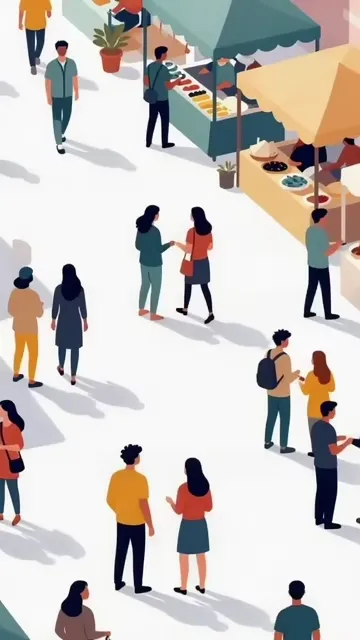
      A sample frame from AI Video Generator for YouTube

      Shorts or standard.

      Vertical for Shorts, landscape for standard uploads, and square where the placement calls for it. The model decides the available list.

      Keeping a consistent look across videos

      Reuse the same reference images and model choices where references are supported. A consistent look helps a channel read as one body of work.

      What creators make with it.

      A clip can be the whole video or one part of a longer edit.

      Channel intros
      Create a short opening that sets the tone before the content starts.
      Shorts
      Generate a vertical hook for the first seconds of a Short.
      Explainers and faceless channels
      Build visuals for a voiceover or a written script.
      Story and B-roll
      Fill gaps, cut between shots, or lift a specific moment.