A shot list you can shape.
Give every beat its own shot. Rewrite descriptions, add a missing moment, or remove a shot before generation.
Describe the plot and characters, review the shot plan, then generate frames and render a complete story film.
Explore sci-fi, animation, fairy tales, and suspense before planning your own story.
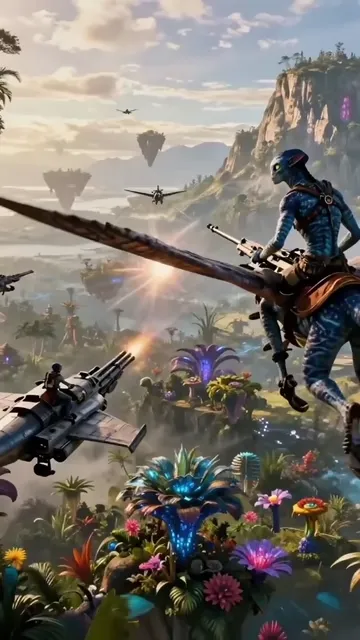
Pandora's Last Stand
Sci-Fi Short · Realistic
Snow White: Betrayal and Renewal
Fairy Tale · Cartoon 3D
The Last Tick of Christmas
Animated Story · Cartoon 3D
The Mysterious D.B. Cooper
Horror Documentary · Realistic
Veeo plans the shots first, so you can shape the characters and story before frames are generated.
Paste a story or describe the plot. Veeo turns it into a shot list for your storyboard.
Rewrite, add, or remove shots. Attach character, location, and prop references to guide the scenes.
Create image candidates for each shot, choose a frame, then animate it with the planned camera move.
Clips include audio. Add music, render the film, and download it or individual shots.
Shape the shot list, define your cast, then build the film from frames you choose.
Give every beat its own shot. Rewrite descriptions, add a missing moment, or remove a shot before generation.
Create characters, locations, and props with reference images, then attach them to the shots where they appear.
Character
Location
Prop

Choose the frame that best fits each shot. It becomes the starting point for the generated clip.
Add music, preview the sequence, render the story film, and download it or individual shots.
Give each scene a job in the story you want to tell.
What to expect from Veeo’s AI story video generator.
See plans and creditsVeeo creates a storyboard of shots. Generate an image and a video clip for each shot, render the sequence, and download the story film.
No. A short idea works, and a full story gives the planner more to work with. You review and edit the shot list before generating frames.
Use character reference images and attach them to the shots where they appear. References guide the generated images, but they do not guarantee identical faces or details.
Yes. Rewrite, add, or remove shots and review character, location, and prop references before generating frames.
The storyboard supports a complete story film within a capped shot plan. Each clip length depends on the video model you choose.
Generated clips include audio. Add music for the full sequence, then render the story film with both.
You do. You own full rights to the videos you create.
The storyboard plan and each generated frame or clip use credits. See the Pricing page for current plans and credit allowances.
Describe the plot and characters. Review the shots, then keep the frames that bring the story to life.