AI Book Trailer Maker

      Paste a blurb, a synopsis, or one scene. Veeo breaks it into scenes, builds your cast, and frames each one, so the trailer is planned before anything renders.

      Trailers start as a board.

      Your blurb becomes numbered scenes. The cast, the look, and the frames stay editable before anything renders.

      Scenes

      Scenes with a hook, a turn, and a close

      A short teaser is a handful of beats. Write them as scenes, then give each one its own frame.

      1. 01

        Hook

        The letter arrives after the funeral.

      2. 02

        Turn

        The handwriting is her own.

      3. 03

        Line

        She reads it aloud, once.

      Frames

      One frame per scene.

      Each scene becomes a shot with a camera description and a duration you can change.

      Sample frame from a Veeo story
      Wide · static
      Sample frame from a Veeo story
      Medium · slow push
      Sample frame from a Veeo story
      Close · low

      Look

      Cover, cast, and setting.

      Veeo proposes characters, locations, and props. Upload the cover or interior art as a reference where it should lead the look.

      Character

      Location

      Prop

      Scene · shot description · references

      From your book to a trailer.

      Plan the scenes first, then generate the frames and clips.

      1. Start with the blurb you already wrote.

        Paste the jacket copy, the synopsis, or the scene you want to tease. Veeo turns it into numbered scenes, each with a one-line intent, and you can rewrite or split any of them.

      2. Put your book's look in place.

        Veeo proposes references for your characters, locations, and props. Swap in your cover, your interior illustrations, or your own cast where they should lead.

      3. Frame the scenes.

        Generate the whole trailer at once or one scene at a time, and change a description or an angle until the mood matches the book. The ratio is chosen once, for all of it.

      4. Time it and render.

        Give each scene its own duration and turn the ones you like into clips. Render the trailer and download it, or download individual shots.

      AI book trailer features

      Plan the scenes, cast, and tone before you render the trailer.

      Your cover, your art, and a cast Veeo builds.

      Veeo reads the blurb and proposes characters, locations, and props as references. Your own assets take over where they matter: the cover, the interior illustrations, a commissioned character sheet. The art you already paid for carries in, instead of being replaced by stock.

      Any genre, any tone.

      Dark fantasy, romantasy, romance, thriller, children, memoir. The scenes follow the tone you describe, not a template you squeeze the book into. A thriller and a picture book need different pacing, and the board is where that difference lives.

      Animated style

      Voiceover and sound.

      The sequence can carry a voiceover, and the generated clips include audio with the picture. Add music and keep the sound under every scene.

      The ratios a book actually needs.

      Vertical for BookTok and Reels, square and 4:5 for the feed, 2:3 for the retail page and the cover slot, widescreen for an author site or a paid placement. One board, one choice, made at the start.

      Book trailer examples by genre

      The board is the same every time. The tone is where the book comes through.

      Fantasy and romantasy
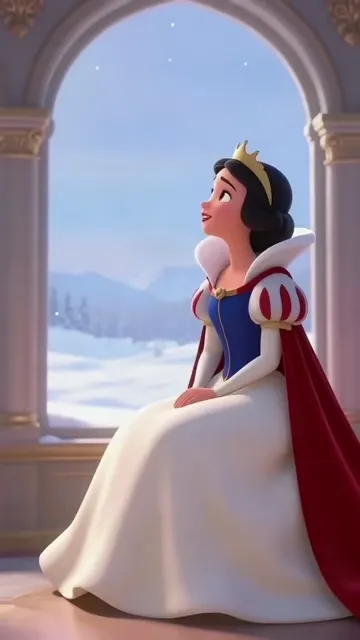
      Castles, blades, and one character who must look the same in every scene. References do the casting, and the trailer keeps it for the whole series.
      Romance
      Two leads, one location, and a line of dialogue that lands in the last shot.
      Thriller and mystery
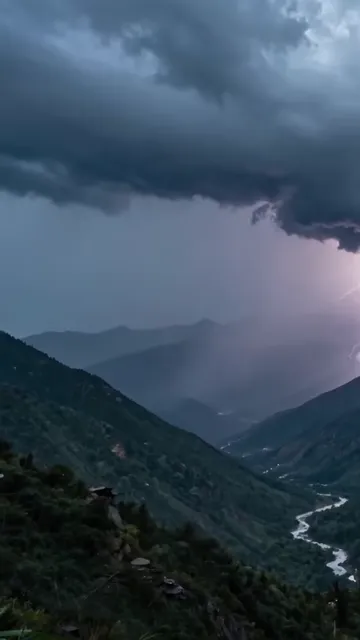
      Withhold the reveal. Scene order and sound carry the hook, so three scenes can outperform a longer cut.
      Children's books
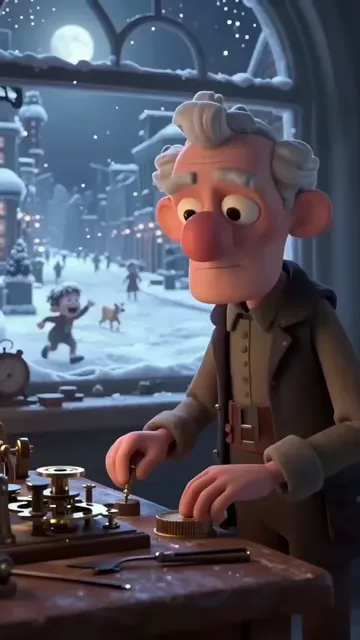
      Brighter palette, simpler cuts, one clear character. The parent buys the book; the child asks for it again.
      Non-fiction and memoir
      Author voice, archival feel, a promise the book keeps. The trailer should sound like the person who wrote it.

      Who uses the AI book trailer maker

      Three ways authors and publishers use the same workflow.

      Indie authors and self-publishers
      Launch and pre-order windows, where a trailer adds reach without a shoot. One blurb in, one vertical cut out.
      BookTok and Bookstagram creators
      Vertical by default, one trailer per book. Keep the cast references, and the next trailer starts from a familiar board.
      Small publishers and publicists
      A whole list of titles, each with its own cast, in one board format. Nobody relearns a tool per book.

      Frequently asked questions.

      What to expect from Veeo's AI book trailer maker.

      See plans and credits
      How long should a book trailer be?

      A handful of scenes, not a short film. Veeo builds one scene at a time, so length follows how many scenes you plan and how long each runs.

      Do I need a finished manuscript?

      No. Jacket copy or a two-paragraph synopsis is enough to plan scenes. A full manuscript helps when the book has a large cast.

      Can I use my own cover art or illustrations?

      Yes. Upload the cover and interior art as references and they lead the look, on top of the cast Veeo proposes.

      Will my main character look the same in every scene?

      Use the same character reference across scenes. References guide the result but do not guarantee identical detail, so keep one set rather than one per scene.

      What's the difference between a book trailer and a book teaser?

      A teaser gives a hook and a date; a trailer carries a little more story. Both are built the same way here. A teaser uses fewer scenes and ends sooner.

      What size should a book trailer be?

      Vertical for BookTok and Reels, 2:3 for a cover slot or retail page, widescreen for a site or a paid placement. Pick it before the frames are generated.

      Can I make trailers for a whole series?

      Yes. Keep the same cast references and make one trailer per book, so the series reads as one world.

      How much does it cost?

      Scenes, references, and clips use credits. See the Pricing page for current rates.

      Create a book trailer

      Paste your blurb or synopsis, review the scenes, and render the trailer.