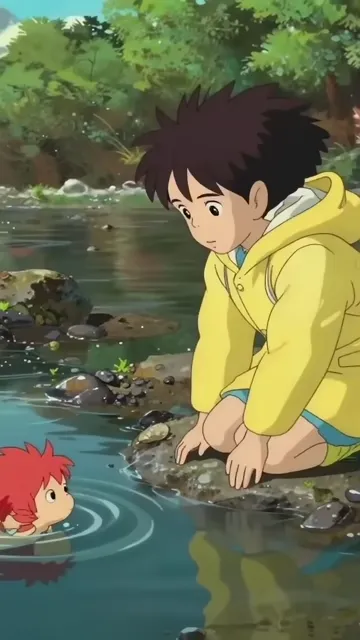
How to write an anime prompt
Describe the pose, the light, the setting, and the camera. A clear scene is easier to keep consistent than a mood alone.
Stylised frames from a sentence. No model sheet, no compositing.
Name the character, the setting, and the look, then generate the shot.
Name the character, costume, setting, and the anime look you want. Specific visual words guide the style.
Choose a model, clip length, and resolution, then pick an aspect ratio the model supports.
Use a first frame to pin the opening composition, or a reference image to guide a character with a supported model.
Review the take in Media, then adjust the prompt or generate another version.
Original anime-style scenes from your description. References help keep a character consistent across takes.
Describe the pose, the light, the setting, and the camera. A clear scene is easier to keep consistent than a mood alone.

Vertical for a phone screen, square for a grid, landscape for a wider view. The model decides which frames are available.
Reuse the same reference image and character description. References guide the look, but small details can change between generations.
Clips arrive in Media with their own sound. Download a take, or keep building with image edits, motion transfer, and music.
Character shots, story beats, and stylized promos.