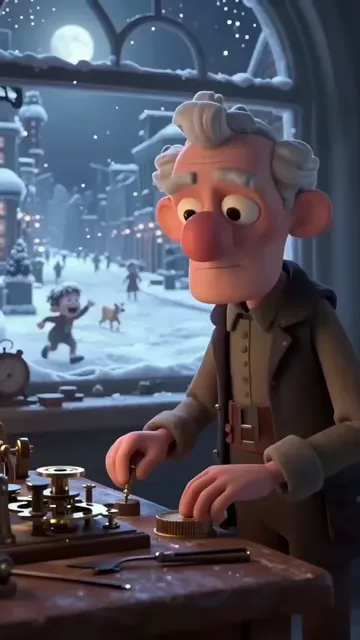
How to describe a cartoon style
A cartoon reads from its shapes, colors, and motion. Put those in the prompt and keep the character description stable across takes.
3D, painted, and flat styles, each generated from a text description.
Describe the characters, the setting, and the cartoon look, then generate.
Name the characters, the action, and the cartoon style: rounded 3D, flat 2D, or illustrated.
Pick a model, clip length, and resolution, then choose an aspect ratio from the list that model supports.
Use a first frame to start from a drawing, or a reference image to guide a character with a supported model.
Review the take in Media, then adjust the prompt or generate another version.
Playful scenes from a description. Describe the look, and add a reference when a character has to stay on-model.
A cartoon reads from its shapes, colors, and motion. Put those in the prompt and keep the character description stable across takes.

Vertical for a phone screen, square for a grid, landscape for a wider view. The model decides which frames are available.
Reuse the same reference image and description across shots. References guide the look but do not lock every detail.
Clips arrive in Media with their own sound. Download a take, or keep building with image edits, motion transfer, and music.
Cartoon shorts, playful promos, and simple explanations.